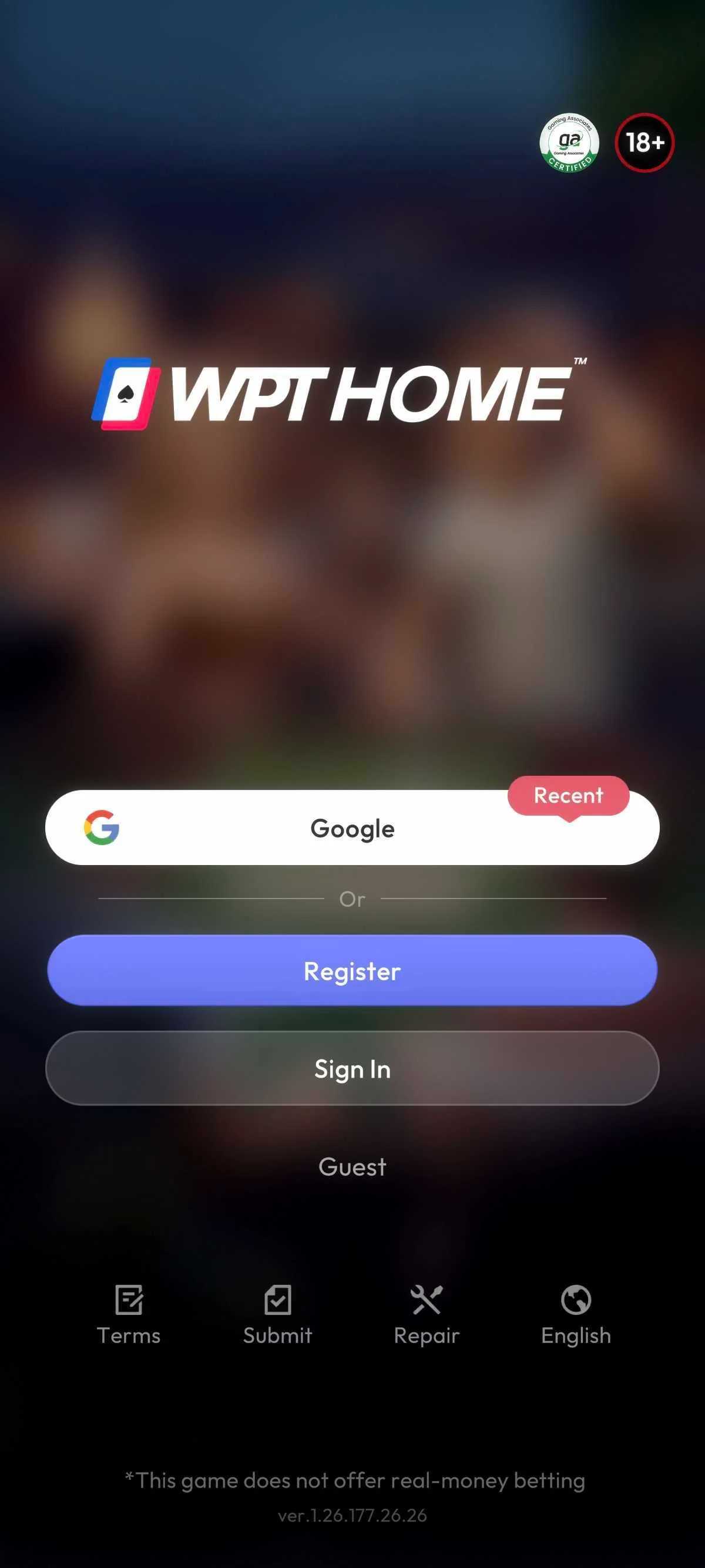
Mobile Poker Game: How to Access WPT HOME

By the Editorial Team
On your phone, you can use the WPT HOME app for Android or iPhone, or play in the browser. Start with the official website to choose an option.
Before You Begin: Choose an Option for Your Phone
Check whether your phone runs Android or iOS before choosing a store. To play in the browser, use WPT HOME’s web option.
| Chosen Option | Channel to Check |
|---|---|
| Android app | Official link and corresponding Google Play page |
| iPhone app (iOS) | Official link and corresponding App Store page |
| Mobile browser | Official WPT HOME web access link |
How to Access a Mobile Poker Game on WPT HOME
1. Start with the Official Website
Open the WPT HOME website on your phone. On the homepage, choose the store link for your operating system or the web game link, according to the option selected above.
2. For Android or iOS, Follow the Corresponding Store Link
On the store page for your phone, check the WPTHOME name and use the available options to download and install the app. Then try opening the app.
If the page does not let you continue, note what appeared so you can explain the problem to support.
3. To Play in the Browser, Open the Web Link
If you prefer to play in the browser, use the online game link on the official website. It leads to play.wpthome.com.
How to Open It and What to Do If the Download Fails
Check whether the app opened on your phone or the WPT HOME page opened in your browser, depending on the option you chose.
If the download fails, check your network connection and your phone’s operating system version.
If you need help, write to support@wpthome.com and explain what you tried to do and what appeared on your phone.

 2 days ago